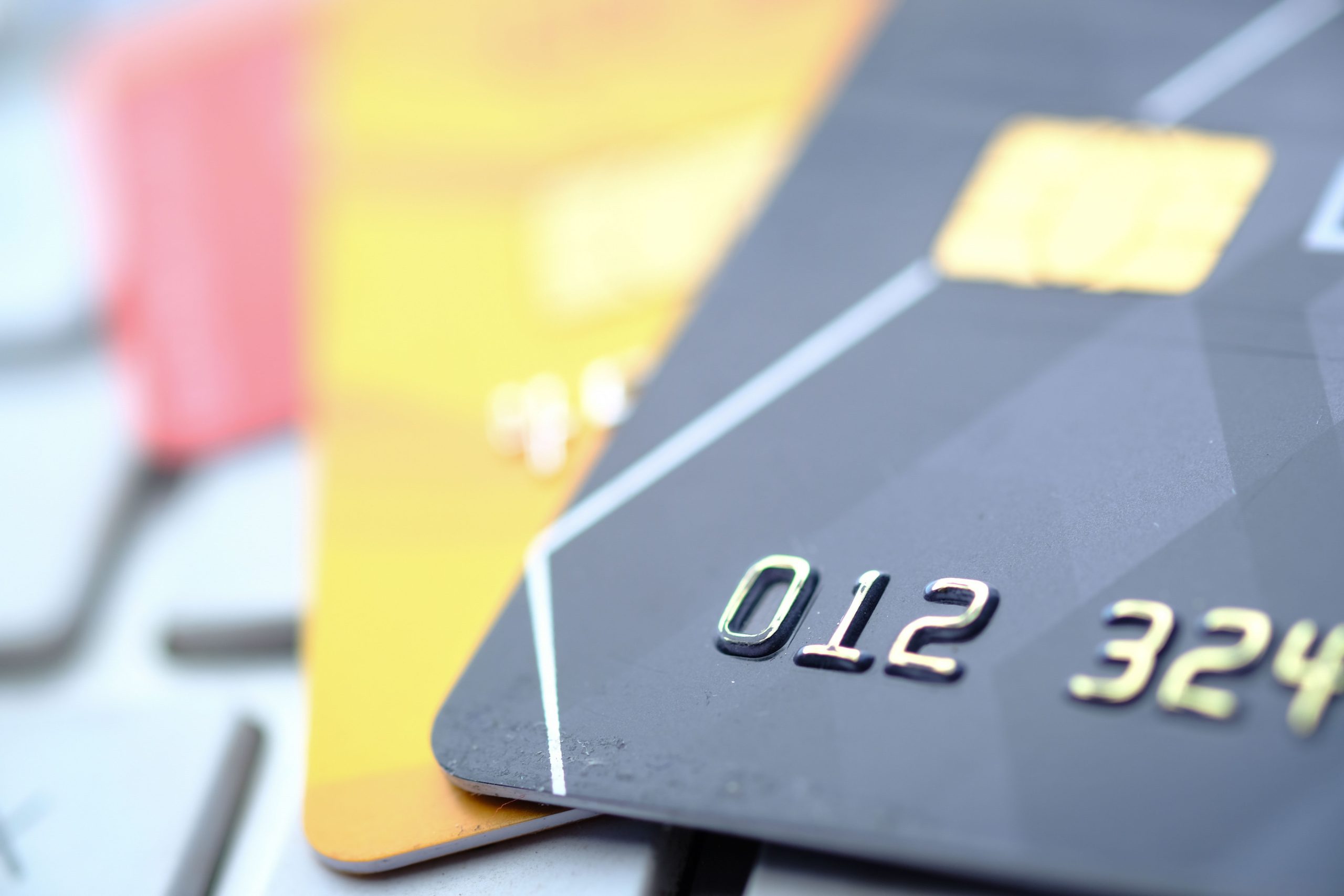
Tapping “buy now” takes a second, but the payment behind it passes through a surprising number of hands. Your bank, the card network, the merchant, a payment processor and sometimes a wallet app all handle some piece of the transaction. Each of them sees a different slice of your information, and each of them has its own rules about keeping it safe. Knowing where your data goes is the first step toward judging how private your online payments really are.
How Your Payment Moves Across the Internet
When you enter a card number at checkout, the merchant’s website usually does not process the payment itself. The details are passed to a payment gateway, which forwards them to the acquiring bank, then to the card network, and finally to the bank that issued your card. The approval or decline comes back along the same path, often in under a few seconds. At every step, the information is supposed to be encrypted in transit, but the number of parties involved means there are more places where something can go wrong.
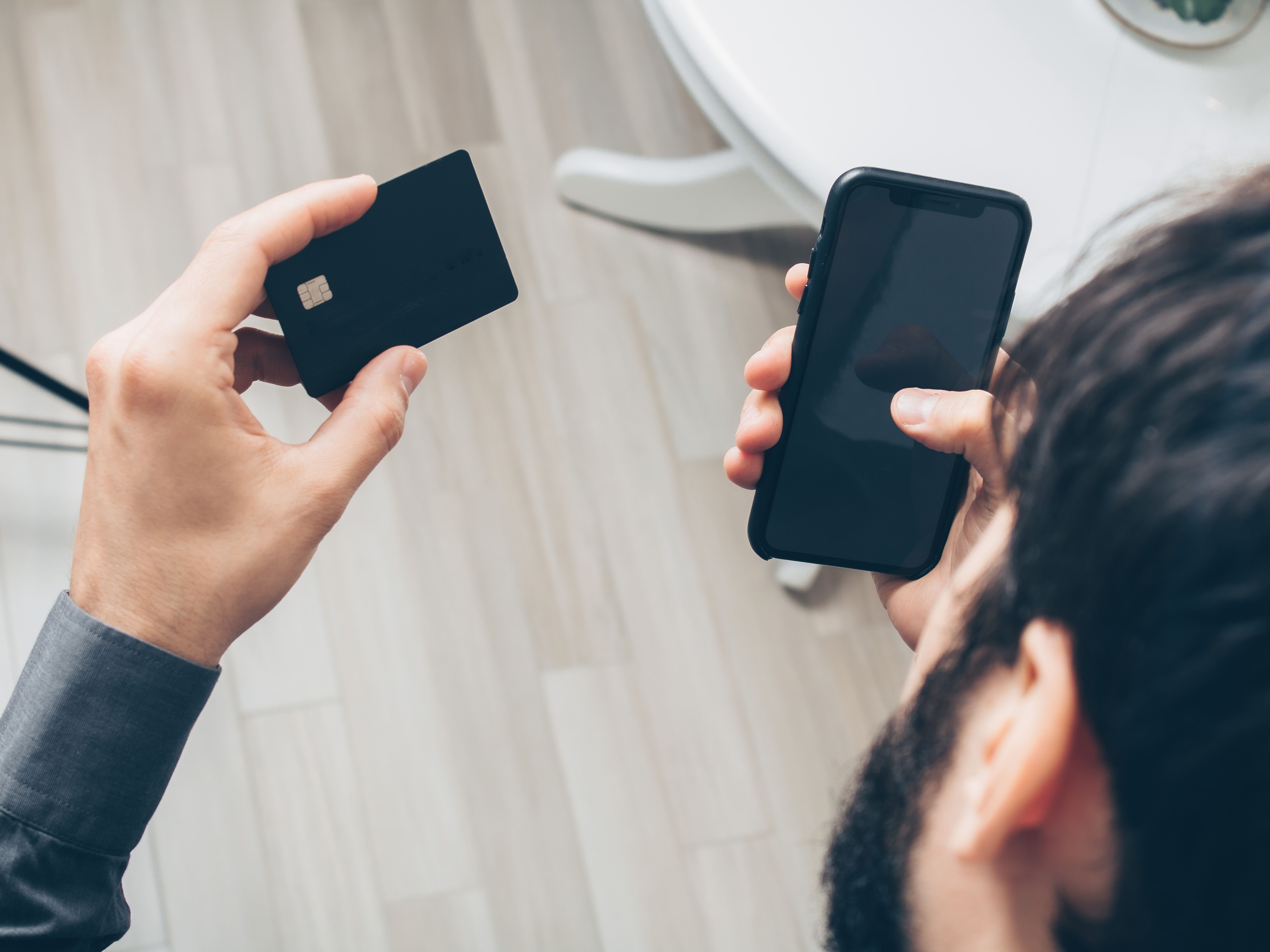
Most of the data is not stored by the merchant in readable form. Many online shops, however, keep some information on file so that returning customers can check out faster. That convenience is useful, but every stored record is another place your data could be exposed.
Who Can See Your Payment Details
Privacy depends heavily on the payment method you choose. A traditional card gives the merchant your name, billing address and card number, and the card network keeps a record of the transaction. Digital wallets reduce what the merchant sees, since they often pass a token instead of the real card number. Cryptocurrency is different again. Some people pay with digital coins at a crypto casino run by Casinous, and in that case the payment is recorded on a public blockchain. The sender and receiving wallet addresses are visible to anyone who looks, even though the names attached to those addresses are not listed. Convenient and fast, yes, but not private in the way most card payments are.
It is also worth remembering that payment privacy is not only about who receives your data. It is also about who can intercept it. Public Wi-Fi, outdated browsers and phishing pages that imitate real checkout forms are all common ways attackers try to collect card details before they ever reach a processor.
Encryption: The Lock You Can Actually Check
Encryption is the reason a payment page should be unreadable to anyone who intercepts it. The Payment Card Industry Security Standards Council sets the technical requirements that merchants and processors must meet to protect cardholder data, including protection during transmission over public networks. You can see a small part of that work yourself. A checkout page that handles card data should begin with https:// and show a padlock in the browser. Those signs confirm that the connection is encrypted, not that the merchant is trustworthy, so they are a starting point rather than a full check.
Tokenization is the other big safeguard. Instead of storing your real card number, a merchant or wallet stores a random substitute that is useless outside that specific system. If the merchant’s database is breached, the stolen tokens cannot easily be turned back into working card numbers.
Saved Cards and Checkout Pages
Saving your card for future purchases is the most common privacy trade-off people make without thinking about it. A saved card is convenient, but it also means the card data sits on a server you do not control. If that merchant is breached, or if your account password is reused elsewhere, the card can be misused. The same goes for saved addresses and phone numbers, which can be combined with card data to make scams more convincing.
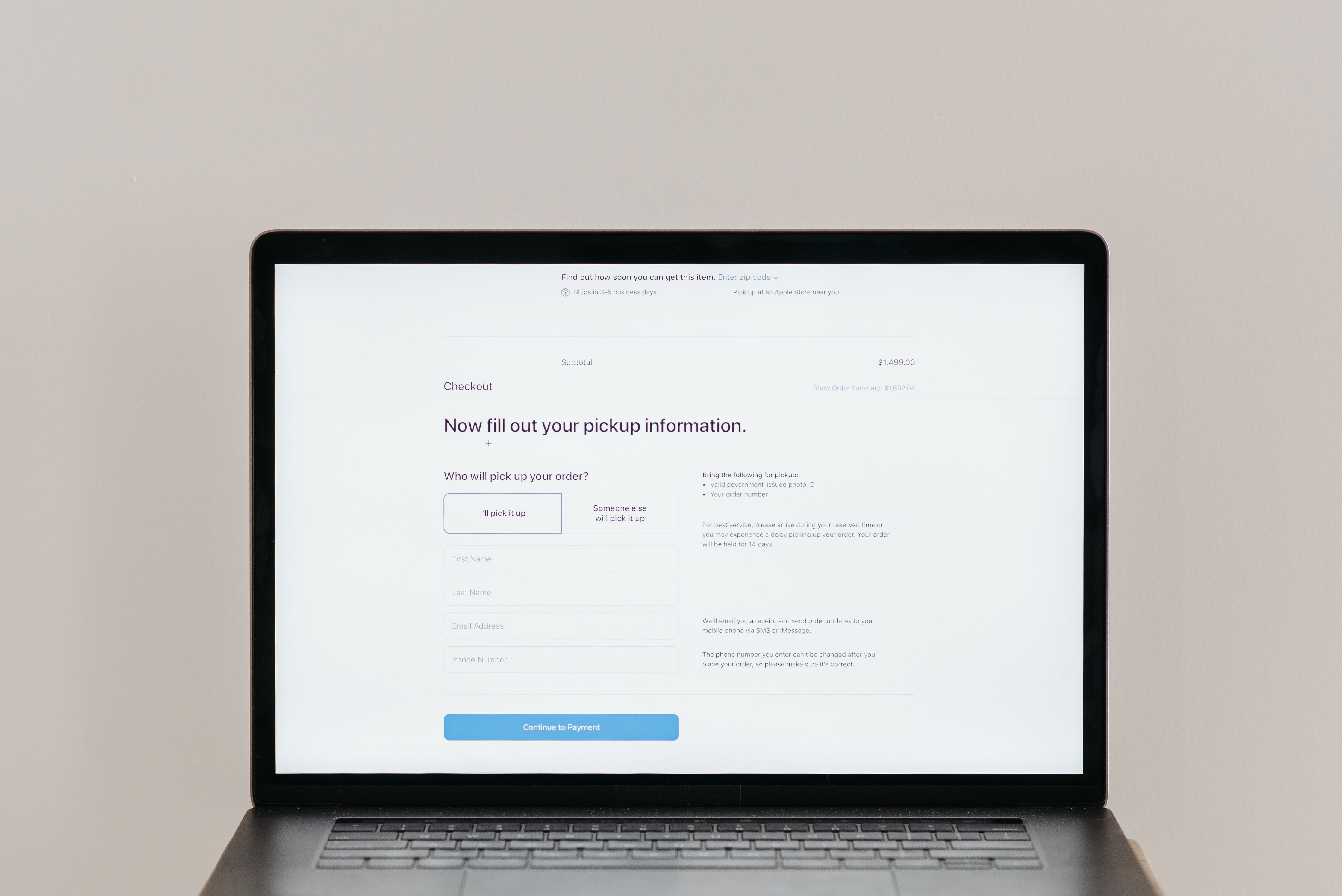
Checkout forms also deserve a closer look. If a form asks for information that has nothing to do with the purchase, such as a national ID number or a full date of birth for a simple product order, pause before continuing. The Federal Trade Commission’s guidance on buying from online marketplaces recommends paying through a secure system that offers buyer protection and avoiding any seller who asks you to move the payment outside the platform. Those rules apply whether you are buying a laptop or a concert ticket.
Practical Steps to Protect Your Payments
You do not need specialist knowledge to improve your payment privacy. A few habits make a real difference:
- Use a credit card or a digital wallet for online purchases rather than a debit card linked directly to your checking account.
- Remove saved cards from sites you rarely use, and turn on alerts for every transaction so unusual charges are noticed quickly.
- Use a unique password for each payment account and enable multi-factor authentication wherever it is offered.
- Avoid entering card details on public computers or open Wi-Fi networks, and be wary of emails or texts that ask you to “confirm” payment information through a link.
- Check your statements regularly and compare them with your order confirmations.
Final Thoughts
Online payments are more private than they were a decade ago, largely because encryption and tokenization are now standard. But privacy still depends on choices that happen on your side of the screen: which payment method you use, what you save, and how carefully you read the page before you click. Treat every checkout as a small decision about who should know what about you, and most of the risk becomes much easier to manage.